Table2Image
# Table2Image
> **🇬🇧 English** | [🇨🇳 中文](SKILL.zh.md)
Convert tables to beautiful PNG images for chat platforms.
**GitHub:** https://github.com/UMRzcz-831/table-to-image-skill
**Tech Stack:** Playwright + Chromium for perfect emoji and font rendering.
## Prerequisites
- **Node.js**: >= 18.0.0
- **Network**: Internet connection required for first run (Chromium download ~100MB)
## Installation
```bash
# Install dependencies
npm install
# Download Chromium (one-time, ~100MB)
npx playwright install chromium
```
## Performance
| Metric | Time |
|--------|------|
| First run (Chromium download) | ~30-60s (one-time) |
| Browser launch (first render) | ~2-3s |
| Subsequent renders | **< 500ms** (browser reused) |
> 💡 **Tip:** The browser instance is automatically reused after the first render, making subsequent table generations nearly instant.
## Quick Start
### Method 1: CLI (for simple tables)
```bash
# Convert JSON data to table image
echo '[{"name":"Alice","score":95}]' | node scripts/table-cli.mjs --dark --output table.png
# Or use a JSON file
node scripts/table-cli.mjs --data-file data.json --theme discord-dark --output table.png
```
### Method 2: Programmatic API (recommended)
```typescript
import { renderTable, renderDiscordTable } from './scripts/index.js';
// Quick Discord table
const image = await renderDiscordTable(
[{ name: 'AAPL', change: '+2.5%' }],
[
{ key: 'name', header: 'Stock' },
{ key: 'change', header: 'Change', align: 'right' }
],
'📊 Market Watch'
);
// Send to Discord
await message.send({ attachment: image.buffer });
```
### Method 3: Auto-convert markdown tables
```typescript
import { autoConvertMarkdownTable } from './scripts/index.js';
// Automatically detect and convert
const result = await autoConvertMarkdownTable(message, 'discord');
if (result.converted) {
await message.send({ attachment: result.image });
}
```
## When to Use This Skill
- **Discord/Telegram/WhatsApp**: These platforms don't render markdown tables well
- **Financial data**: Stock prices, portfolio reports with conditional formatting
- **Leaderboards**: Rankings with medals and color-coded positions
- **Comparison tables**: Side-by-side feature comparisons
- **Any tabular data**: When visual presentation matters
## Themes
| Theme | Best For | Preview |
|-------|----------|---------|
| `discord-light` | Discord light mode (default) | 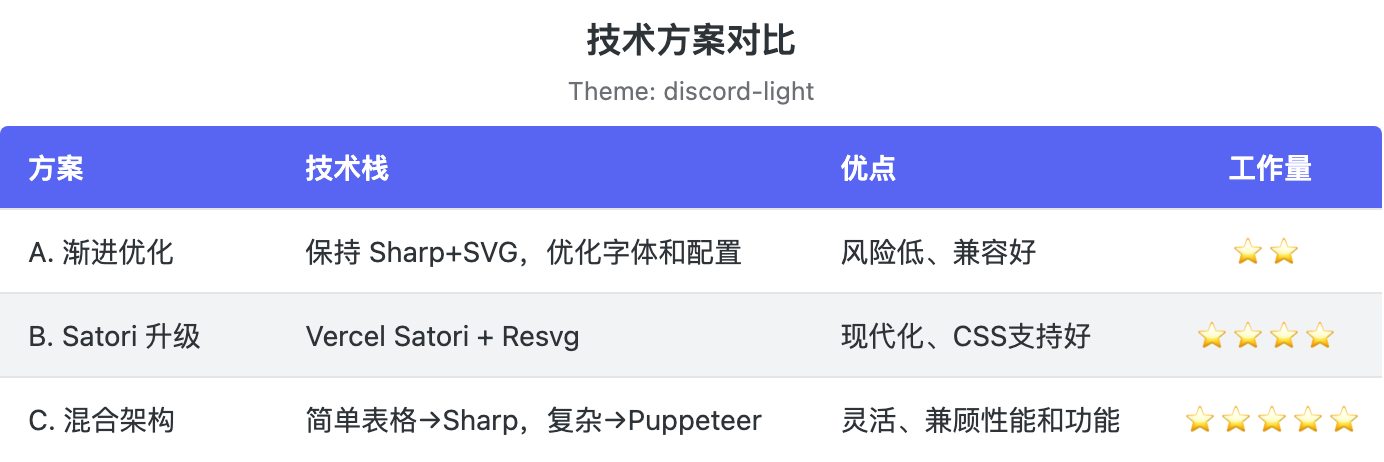 |
| `discord-dark` | Discord dark mode | 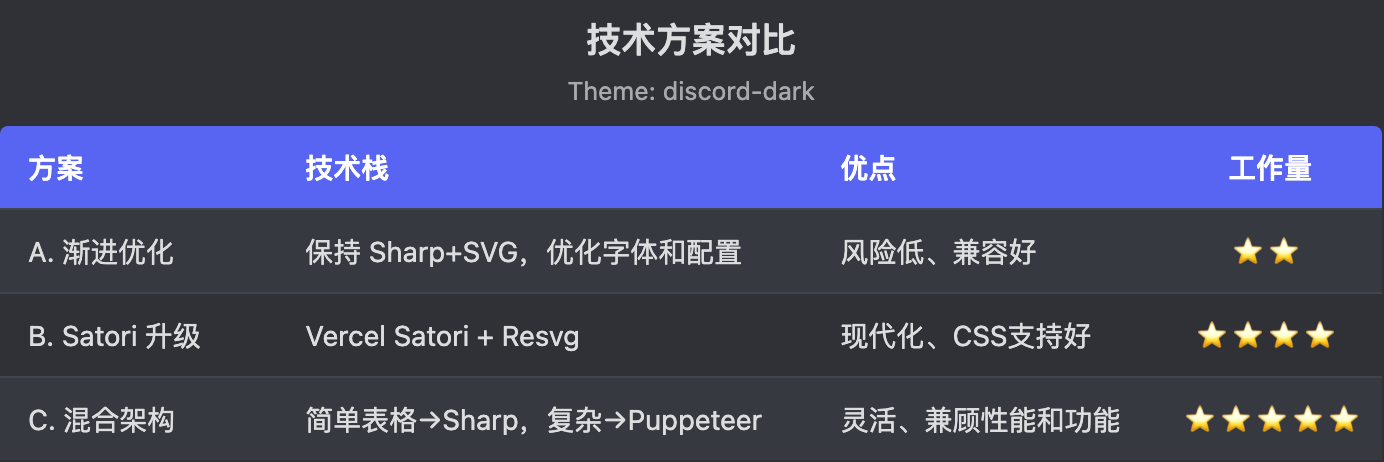 |
| `finance` | Financial reports | 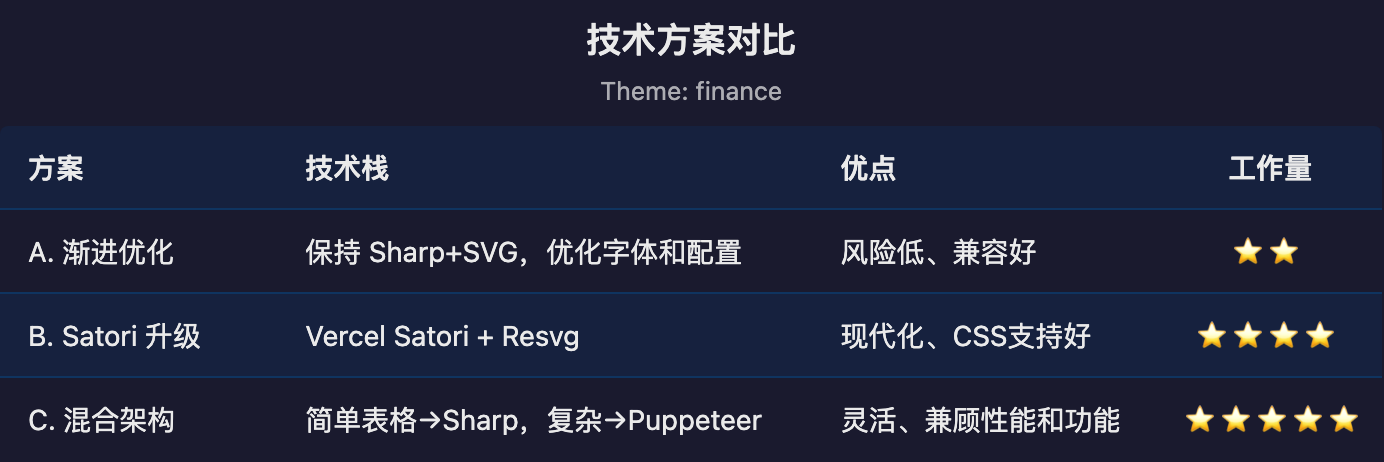 |
| `minimal` | Clean/simple | 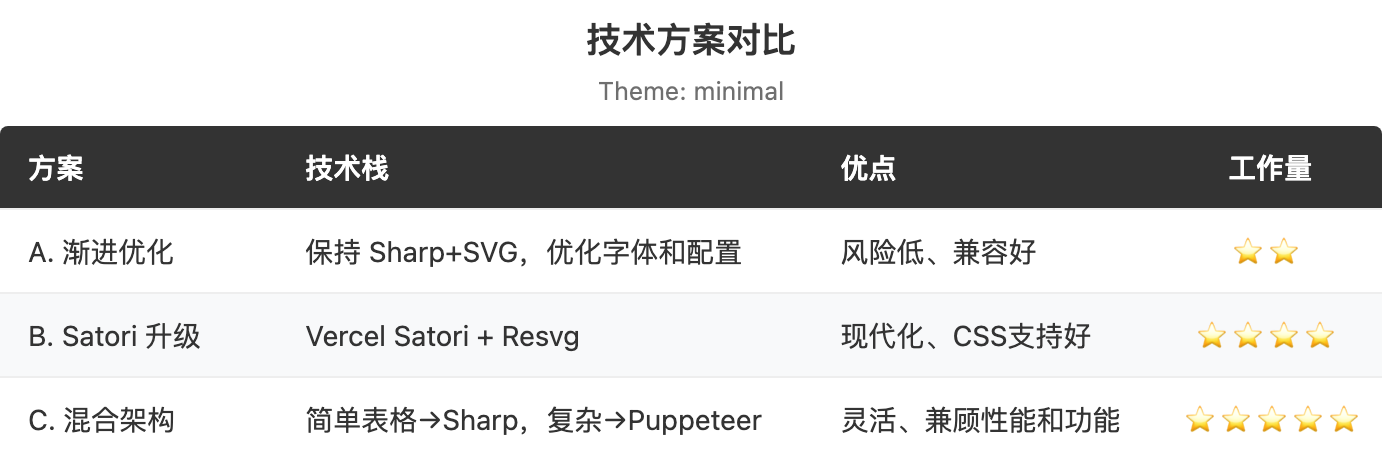 |
| `sweet-pink` | Stylish dark + pink accent | 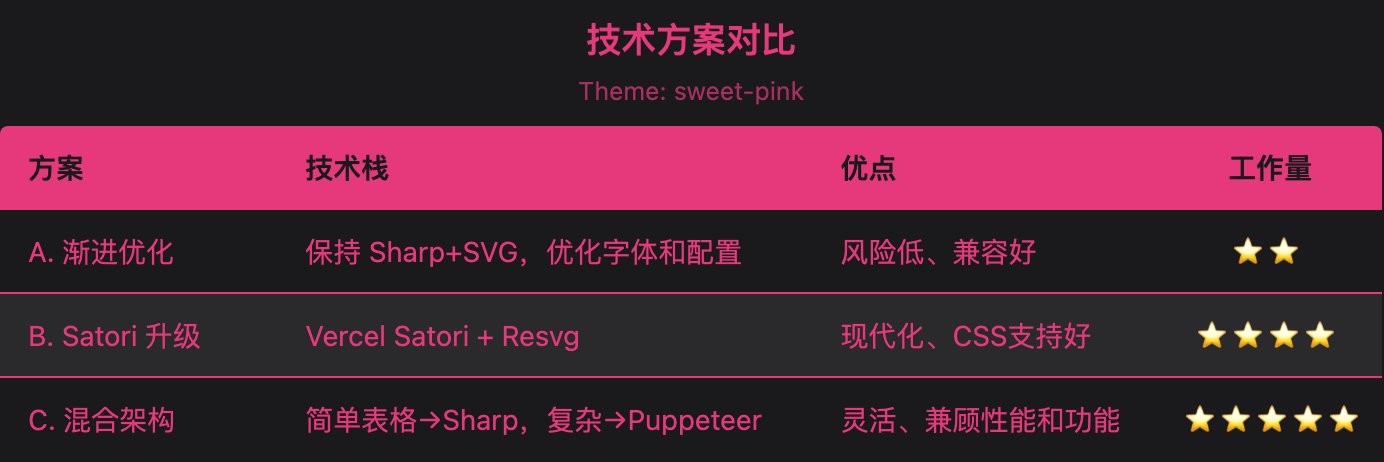 |
| `deep-sea` | Classic blue + cream white | 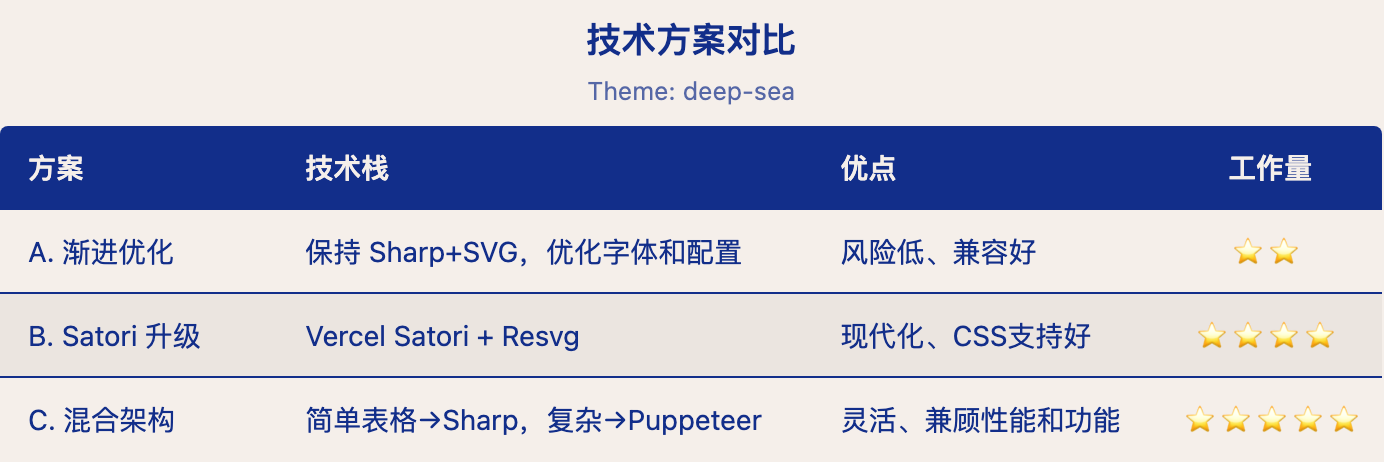 |
| `wisteria` | Retro purple + lime green | 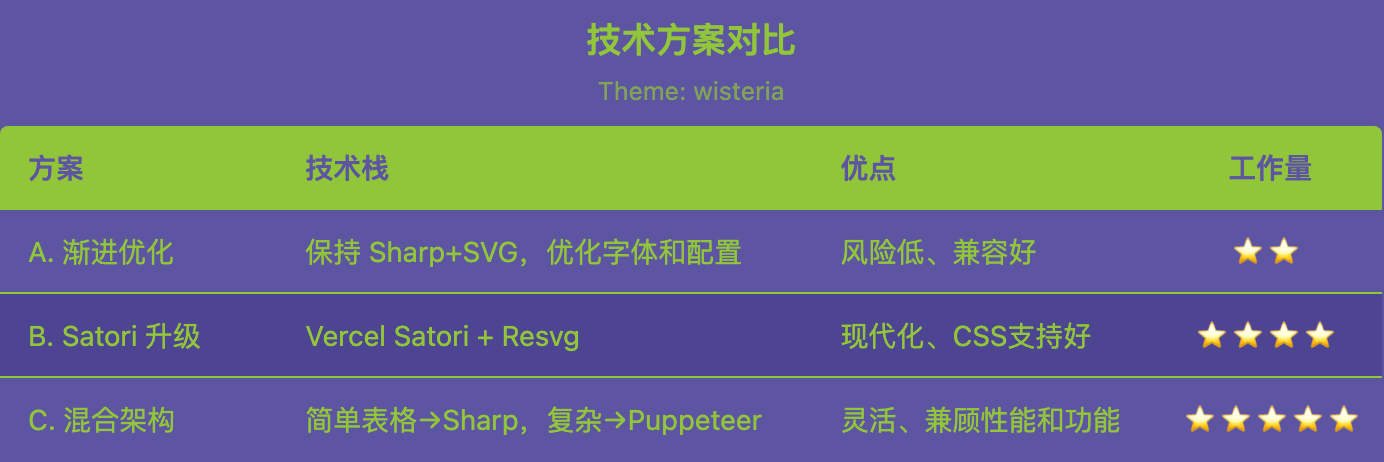 |
| `pond-blue` | Deep navy + soft cyan | 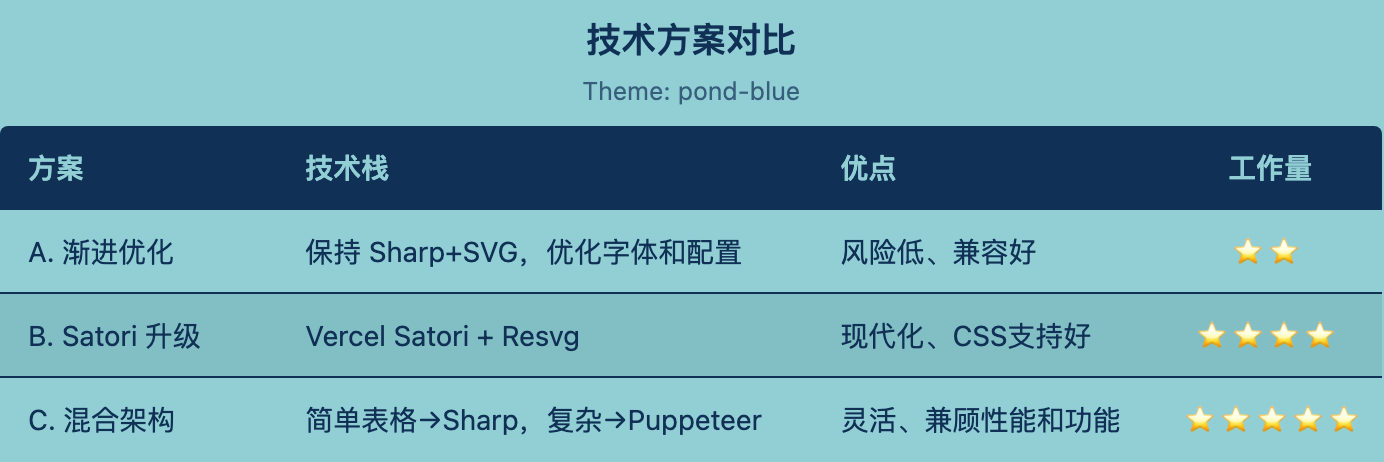 |
| `camellia` | Warm red + pale pink | 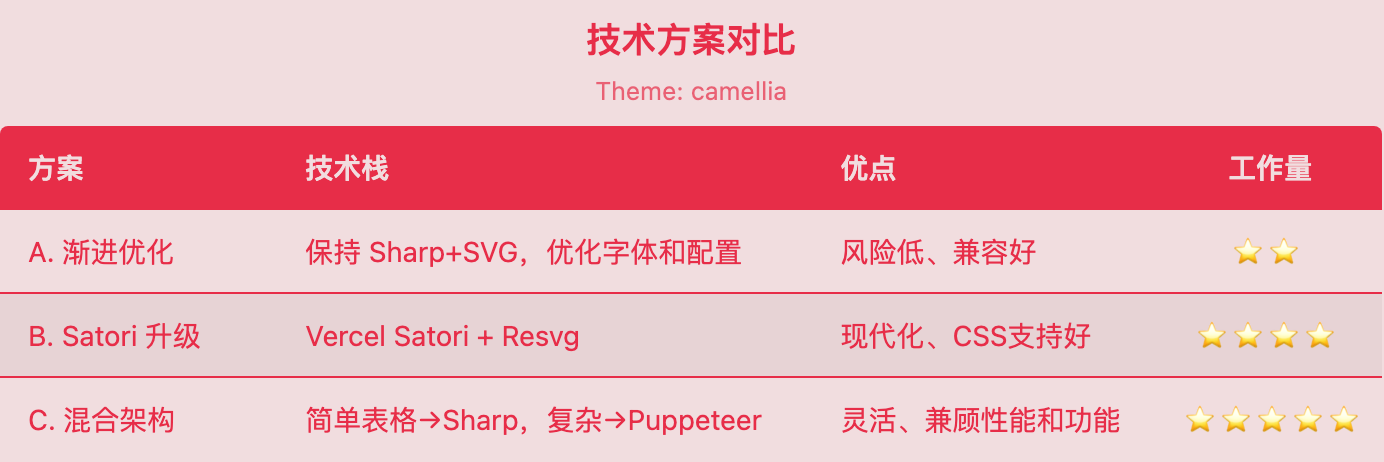 |
### Custom Themes
You can also pass a **custom theme object** directly to `theme`. For convenience, you only need to provide two colors — `primary` and `secondary` — and the full theme will be generated automatically:
```typescript
const image = await renderTable({
data: [{ name: 'Alice', score: 95 }],
columns: [
{ key: 'name', header: 'Name' },
{ key: 'score', header: 'Score', align: 'right' }
],
theme: {
primary: '#e6397c', // accent color (header, text, border)
secondary: '#1a1a1d' // base color (background, rows)
}
});
```
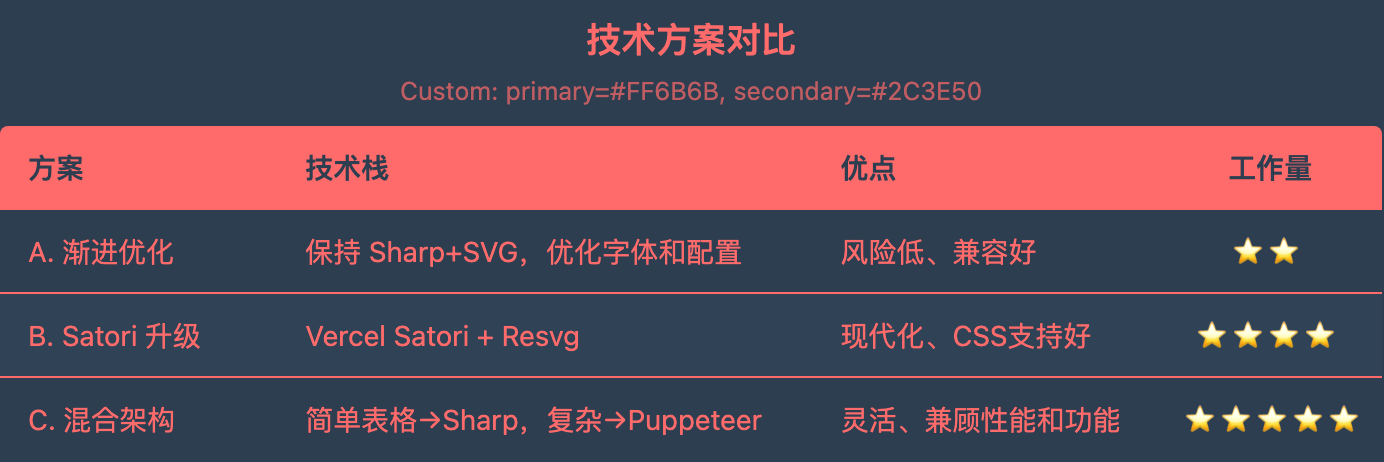
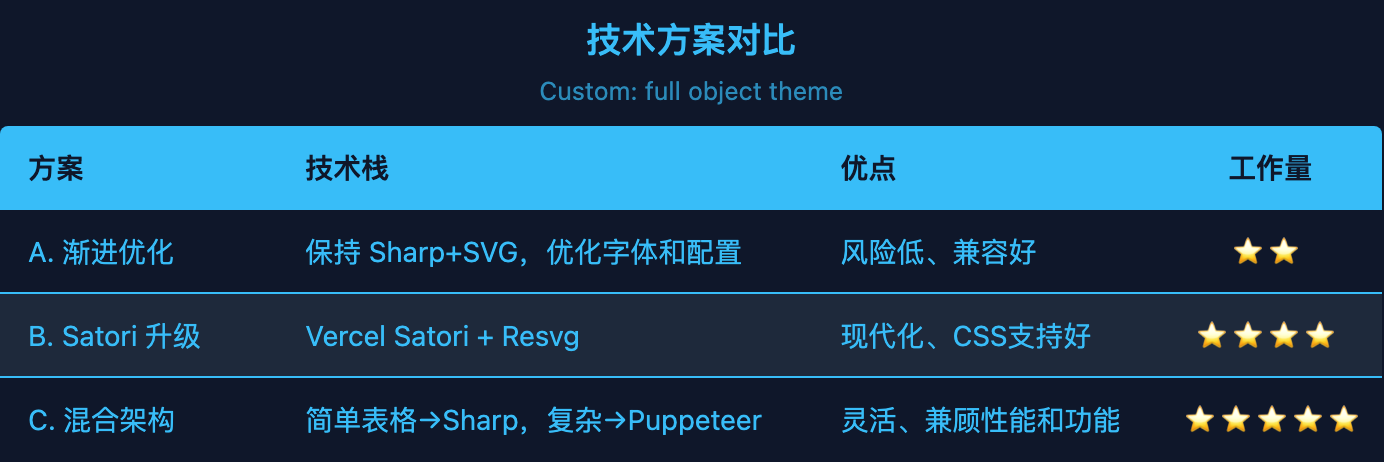
Or pass a complete custom theme object with all 7 colors:
```typescript
const image = await renderTable({
data: [{ name: 'Alice', score: 95 }],
columns: [...],
theme: {
background: '#1a1a1d',
headerBg: '#e6397c',
headerText: '#1a1a1d',
rowBg: '#1a1a1d',
rowAltBg: '#2a2a2d',
text: '#e6397c',
border: '#e6397c'
}
});
```
## Advanced Usage
### Conditional Formatting
```typescript
import { renderTable } from './scripts/index.js';
const image = await renderTable({
data: stocks,
columns: [
{ key: 'symbol', header: 'Symbol' },
{
key: 'change',
header: 'Change',
align: 'right',
formatter: (v) => `${v > 0 ? '+' : ''}${v}%`,
style: (v) => ({ color: v > 0 ? '#43b581' : '#f04747' })
}
],
theme: 'discord-dark'
});
```
### Custom Column Widths
```typescript
columns: [
{ key: 'name', header: 'Name', width: 150 },
{ key: 'description', header: 'Desc', width: 300, wrap: true, maxLines: 3 }
]
```
## Scripts
- `scripts/table-cli.mjs` - Command-line interface
- `scripts/index.js` - Programmatic API
See `references/api.md` for complete API documentation.
## Examples
See `references/examples.md` for common use cases and code samples.
标签
skill
ai







